Full Description
View Full Description
Education Software
This product is an Education product, designed for Teachers, Students and Academic Institutions. For a full breakdown of what our Education Software is and to check your eligibility, please see our full guide on Are you eligible for Education Software? for more information.
Master stereo and Dolby Atmos projects with one workflow
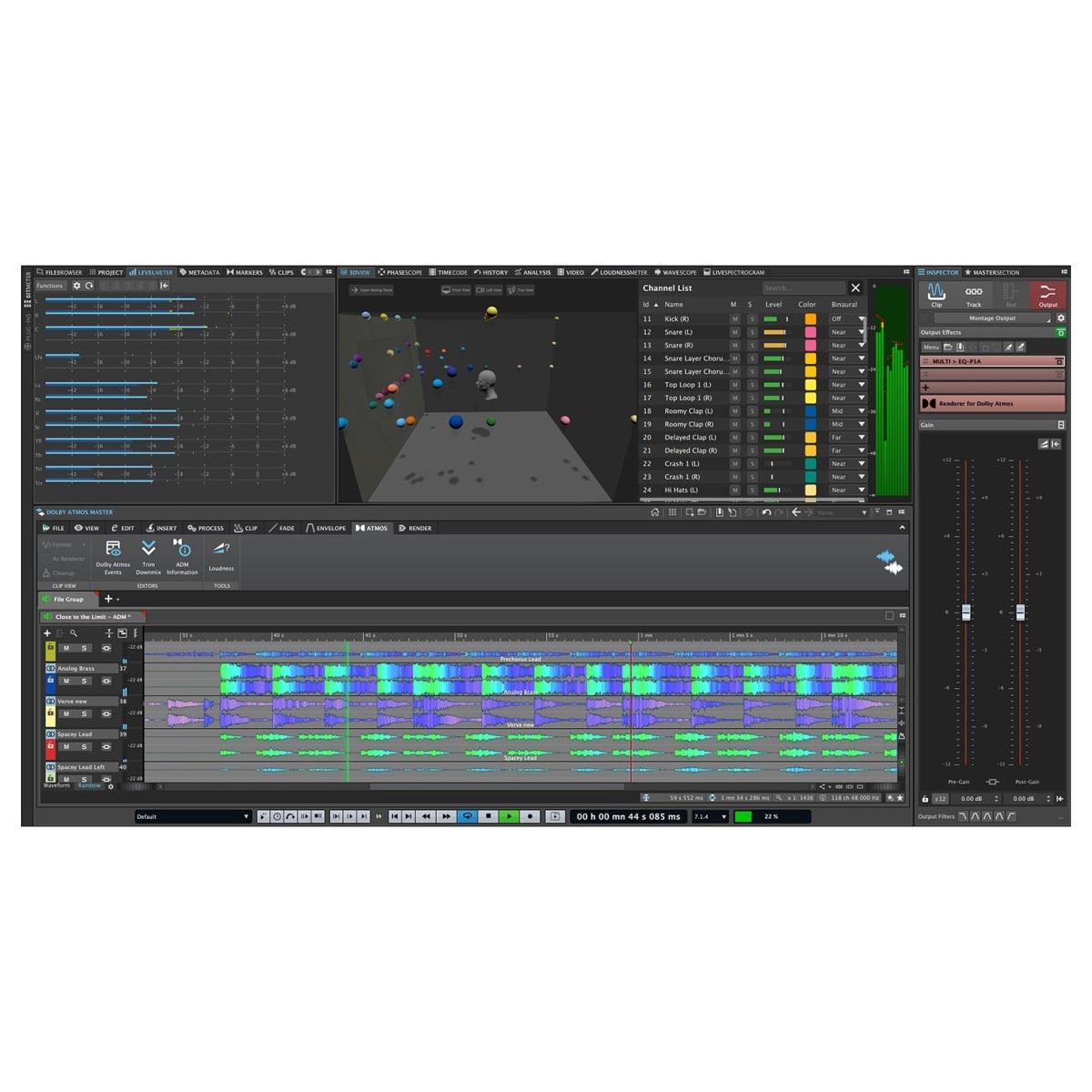
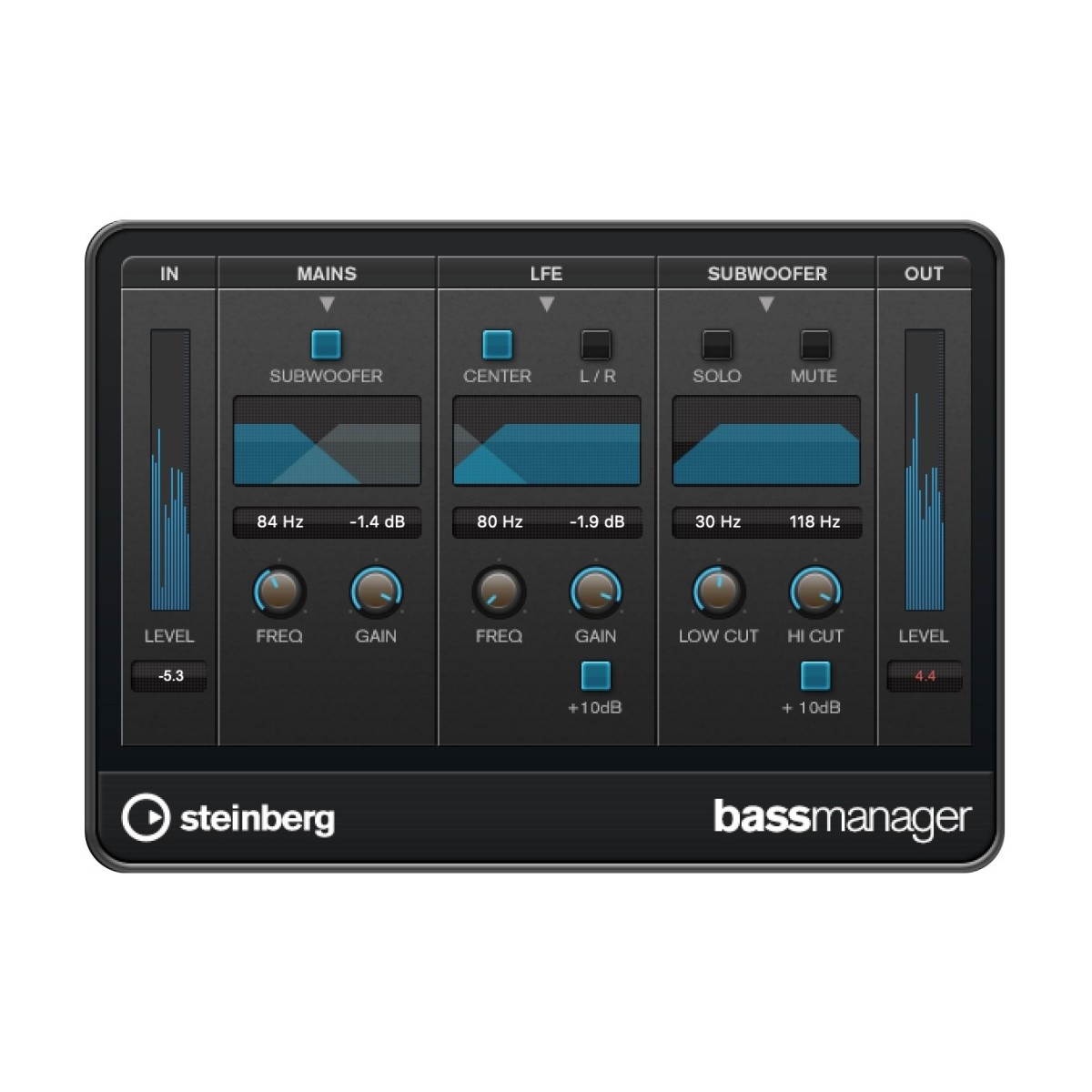
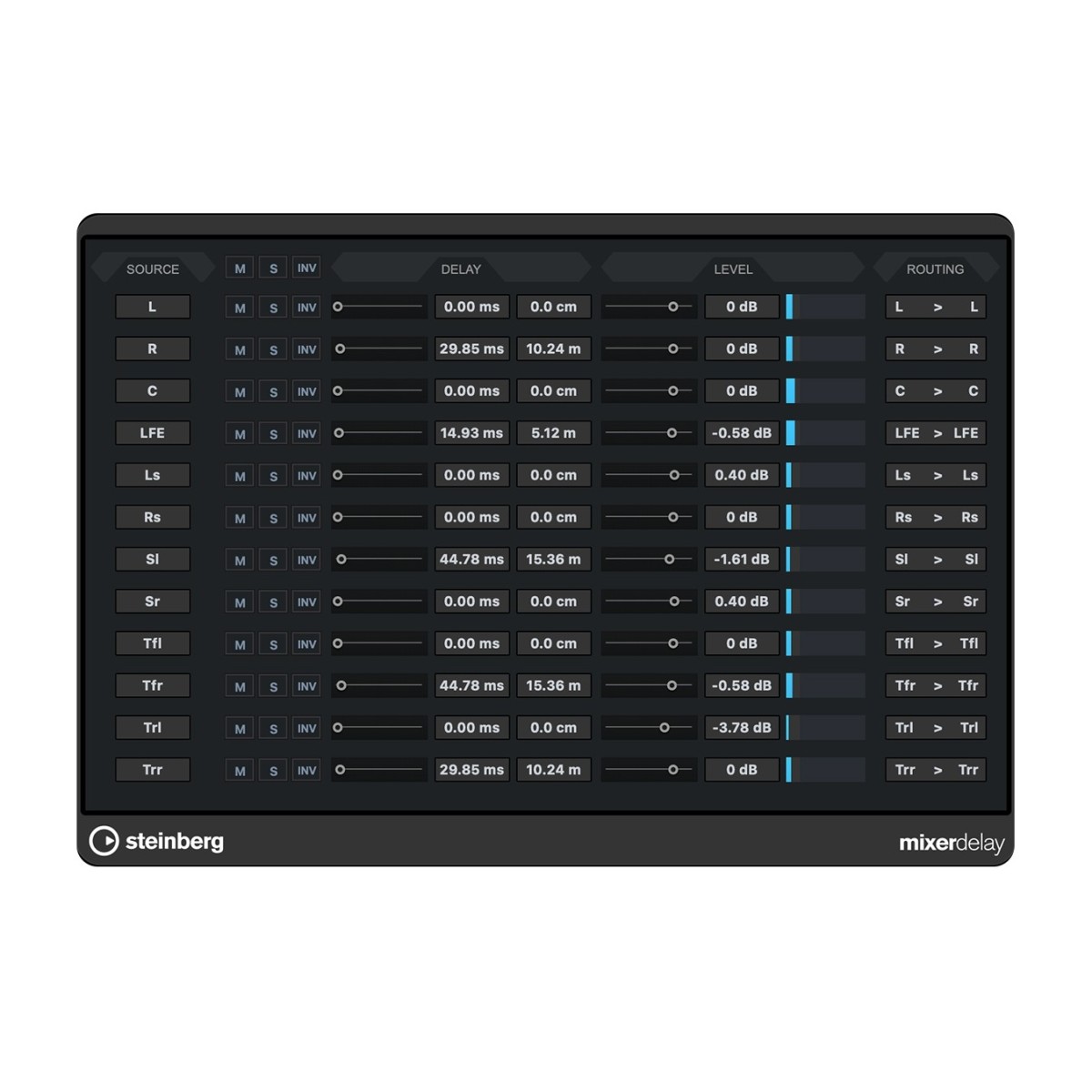
WaveLab Pro 13 gives you a complete mastering environment for both stereo and Dolby Atmos productions, making it easy to move between traditional and immersive workflows. The new Dolby Atmos Master Montage is designed specifically for working with ADM files, allowing you to edit, process, and re-render immersive projects while preserving object spatial information throughout. The innovative Immersive Plug-in Hub lets you apply standard VST 3 plug-ins across up to 128 audio channels from a single interface, alongside dedicated bed plug-ins such as Surround Reverb.
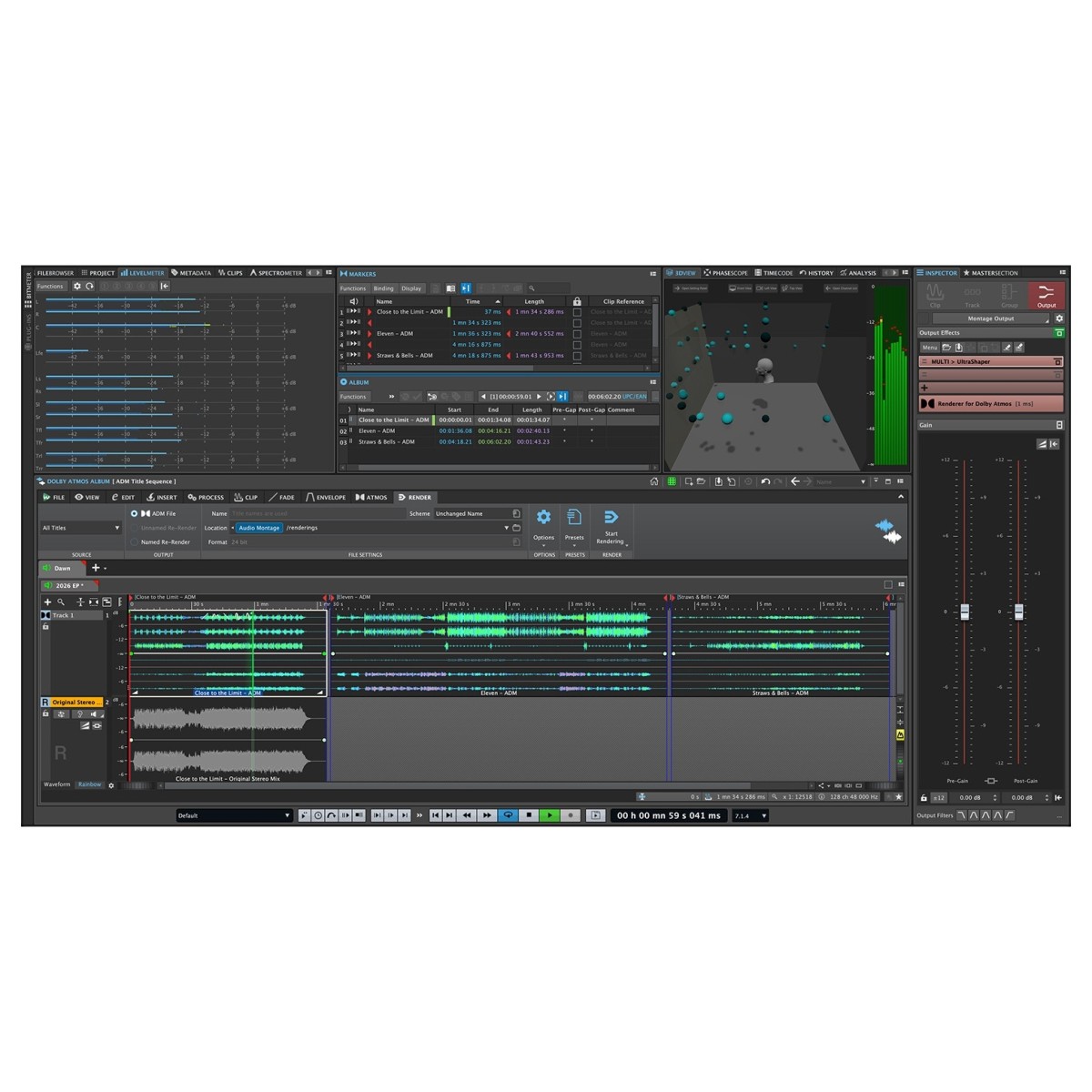
Customisable sidechain routing, loudness and TruePeak normalisation, and efficient multichannel mixdown provide complete control over your master. When you're working on larger projects, the Album Montage allows multiple ADM files to be assembled into a single Atmos album while maintaining consistent loudness and processing across every track. A stereo reference track also makes it simple to compare immersive and stereo versions during the mastering process.
Precision editing for every production task
Perfect for refining a finished mix, restoring an archive recording, or preparing audio for release, WaveLab Pro 13 includes a comprehensive collection of editing tools for precise results. The Audio Editor provides sample-accurate waveform editing with multiple visualisation modes, allowing you to switch between waveform, spectrum, and loudness displays depending on the task. High-resolution spectral editing makes it possible to isolate and repair unwanted noises with pinpoint accuracy, while time, pitch, and level processing give you complete control over every recording.
Mid/side processing can be applied to the left, right, mid, or side channels independently, opening up detailed mastering possibilities without affecting the entire mix. Support for destructive and non-destructive editing means you can choose the most suitable workflow for each project, while ARA compatibility lets you access WaveLab's advanced editing tools directly within compatible DAWs.
Analyse, restore, and deliver with confidence
WaveLab Pro 13 combines advanced analysis tools with professional restoration features to help you produce masters that meet modern delivery standards. The customisable SuperVision analyser works alongside an extensive range of dedicated meters, including peak level, loudness, stereo balance, phase, FFT spectrum, spectrogram, waveform, and bit-depth analysis. These tools provide detailed visual feedback during playback, recording, rendering, or offline inspection, helping you identify potential issues before export.
For restoration work, the included RestoRig plug-in suite removes unwanted noise and artefacts, while spectral editing enables targeted repairs that preserve the surrounding audio. More specialised forensic analysis tools also allow you to examine recordings in greater detail, making WaveLab suitable for audio restoration, broadcast preparation, archiving, and investigative audio applications. Integrated metadata editing ensures finished masters include the information required for professional distribution across streaming services, physical media, and broadcast platforms.
Build a mastering workflow around your favourite tools
WaveLab Pro 13 is built around a modular workflow that adapts to the way you work, whether you're mastering singles, complete albums, podcasts, or post-production projects. Dedicated workspaces include the Audio Editor for individual files, the multitrack Audio Montage for arranging and mastering larger productions, and a flexible Batch Processor for handling repetitive tasks automatically. Batch processing supports plug-ins from the Master Section, offline effects, file conversion, metadata editing, renaming, and custom templates, while Watch Folders can automatically process files as soon as they are added to a designated location.
Comprehensive support for third-party VST 3 plug-ins, external audio editors, and external hardware processors makes it straightforward to integrate existing equipment into your workflow using round-trip signal routing. Dockable tool windows, including the Project Manager, File Browser, Effects window, Marker editor, Metadata editor, and CD authoring tools, can all be arranged into custom layouts, giving you quick access to the controls you use most and a workspace tailored to every mastering session.
Features
- Sample-accurate Audio Editor Workspace
- Multichannel, Multitrack, non-destructive Audio Montage Workspace
- Master Section
- Fully automated Batch Processor
- Comprehensive Metering and Analysis
- Loudness analysis and reporting
- Loudness processing and meta normalizing
- Reference Track
- Spectrogram View and Spectral Editing Functionality
- Metadata Editing
- Dolby Atmos album assembly
- Mastering and editing of ADM files
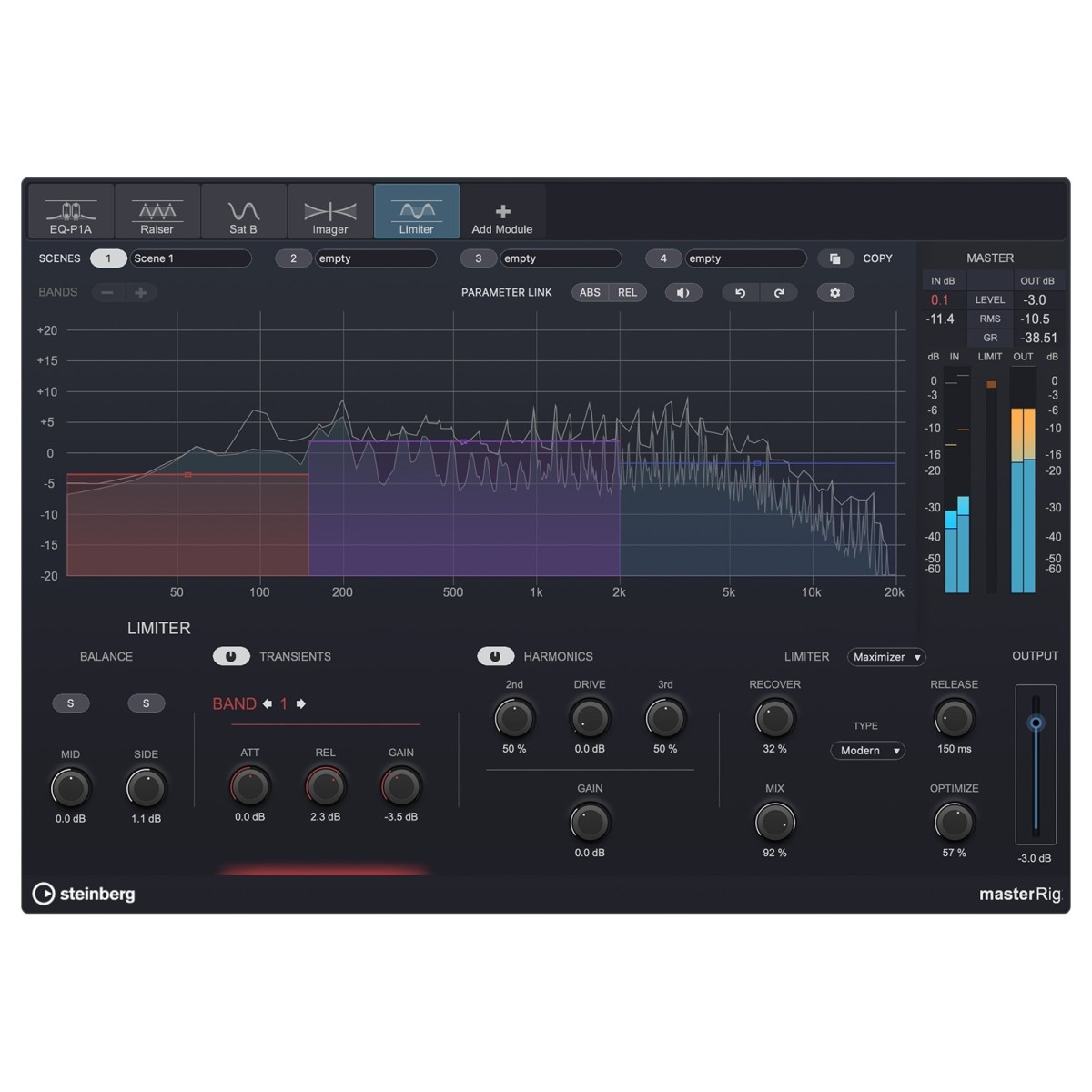
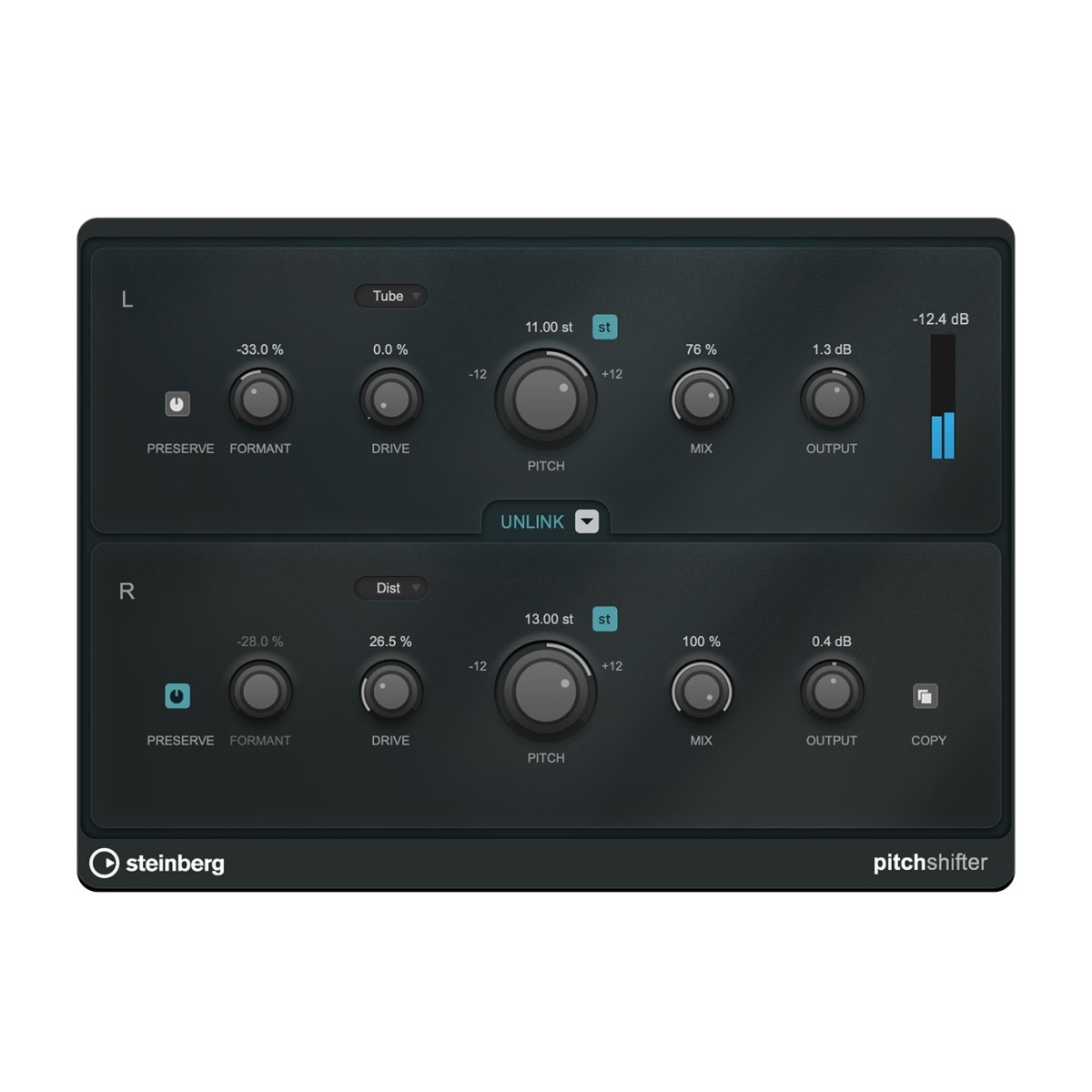
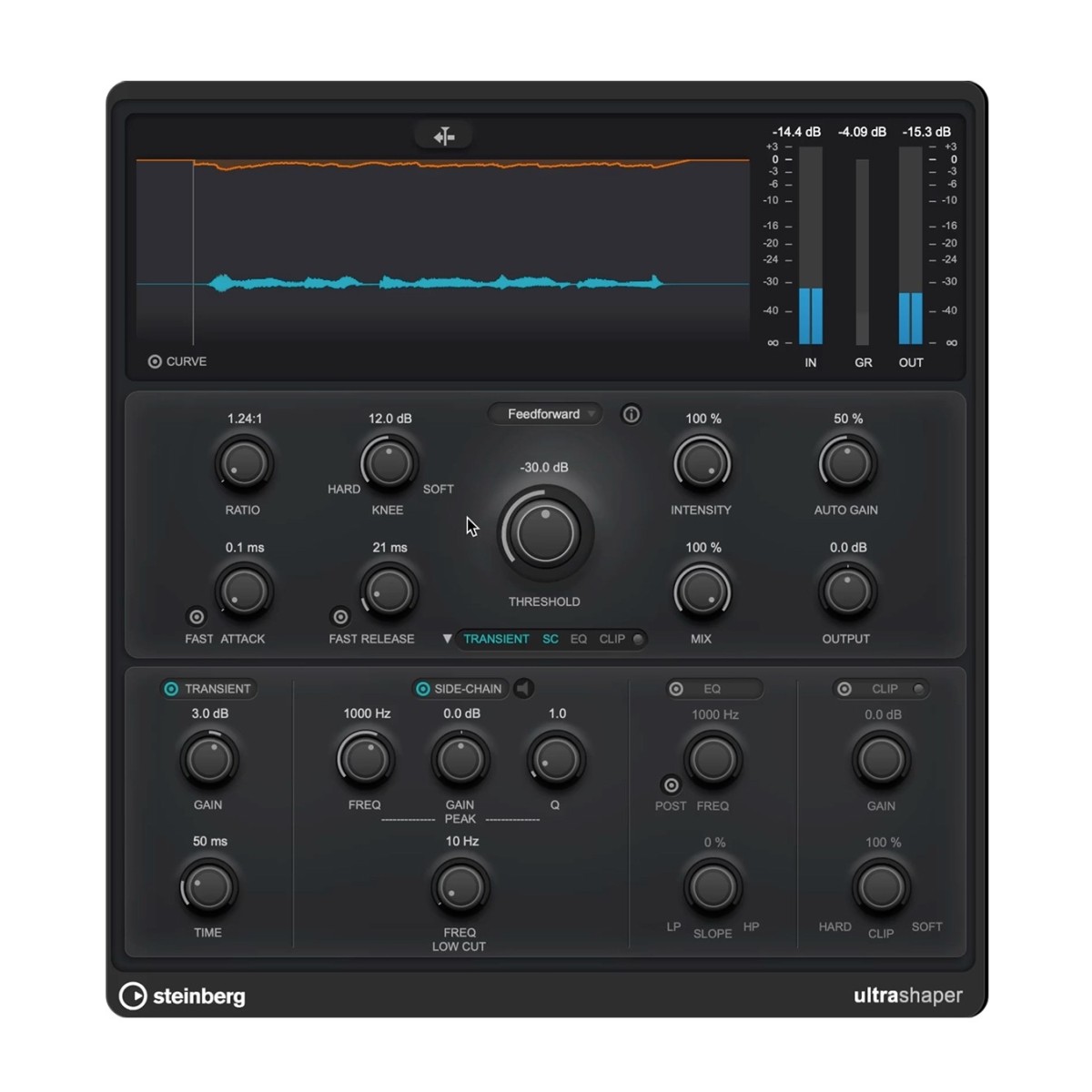
- A plethora of mastering-grade VST 3 plug-ins
Specifications
- Operating system:
- Mac: macOS Tahoe, macOS Sonoma, macOS Sonoma, macOS Sequoia
- Windows: 64-bit Windows 11 Version 24H2 (or higher)
- CPU:
- Mac: Intel® Core™ i5 (late 2018 or later) or Apple silicon
- Windows: Intel® Core i5™ (8th Generation) or AMD Ryzen Series-3000 or Windows on Arm processor
- Disk space: 2GB
- RAM: 8GB
- Format: VST-3
- Product code: 1527-119